
I don’t remember my password
I don’t remember my password
To reset your Mirakl panel password:
Enter the email address you use to log in to the Mirakl panel in the
Your loginfield.Click the
Nextbutton.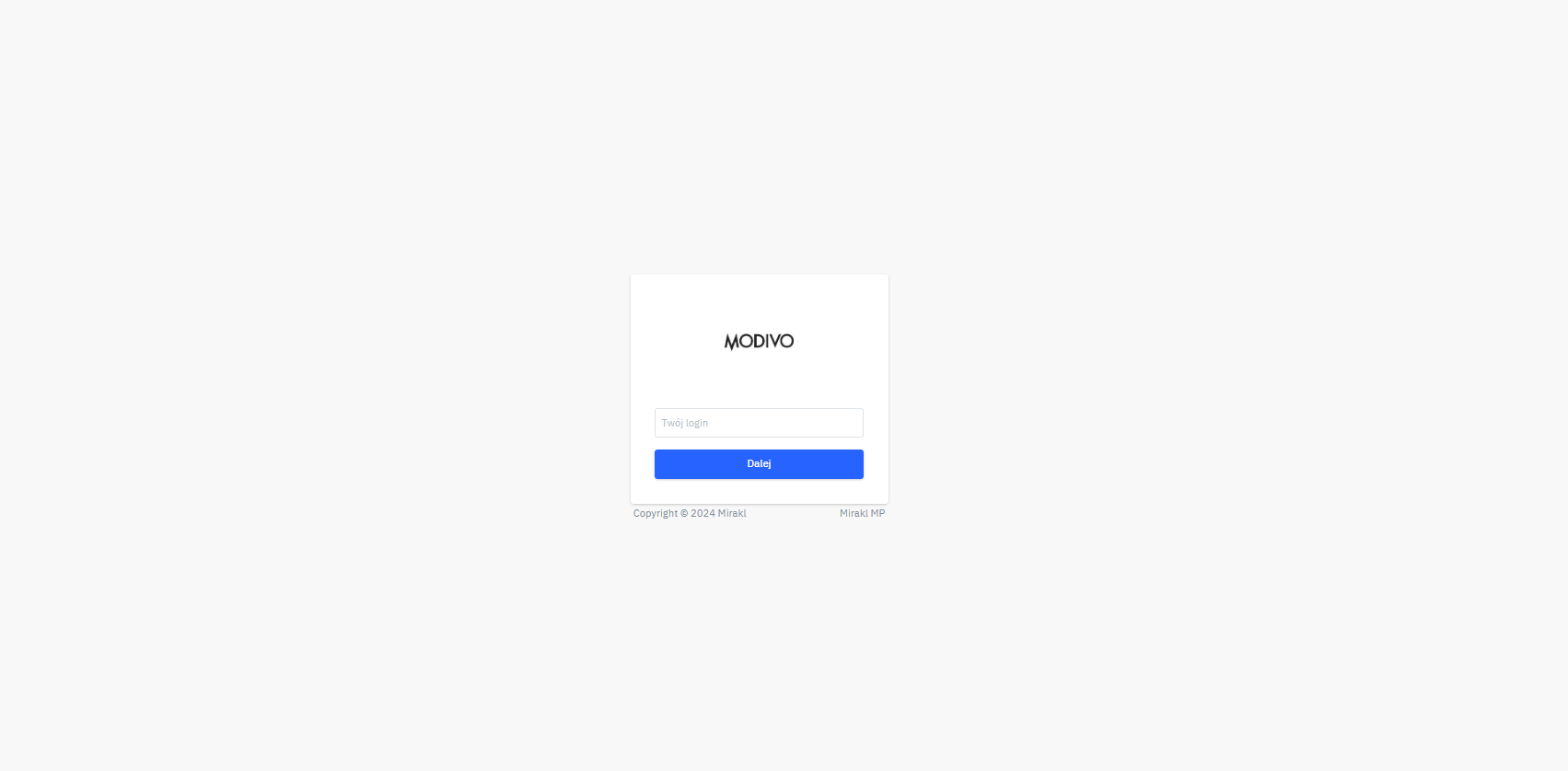
To set a new password for the Mirakl panel, click the
Forgot password?link.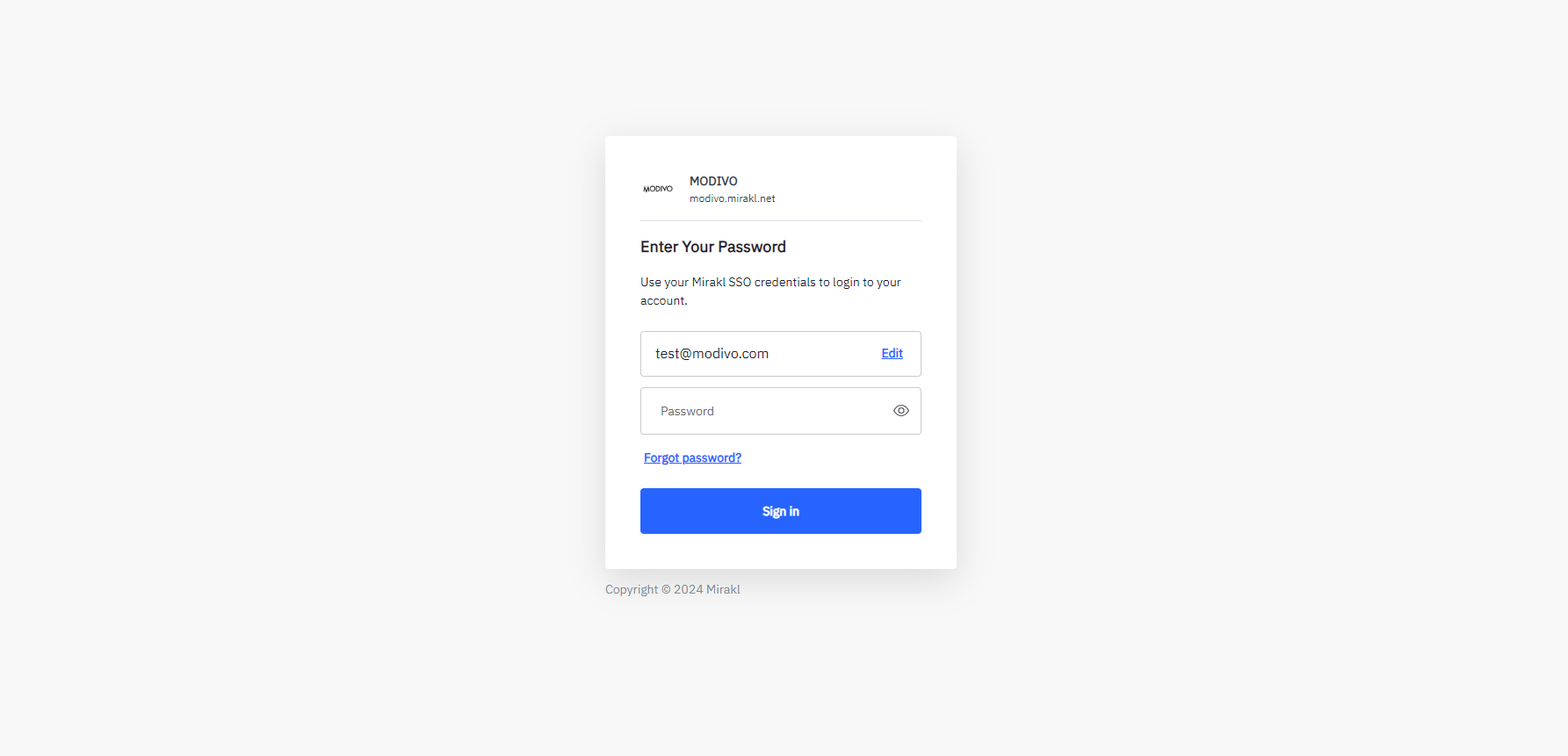
Enter the email address used to register the account in the
Email addressfield, then click theContinuebutton.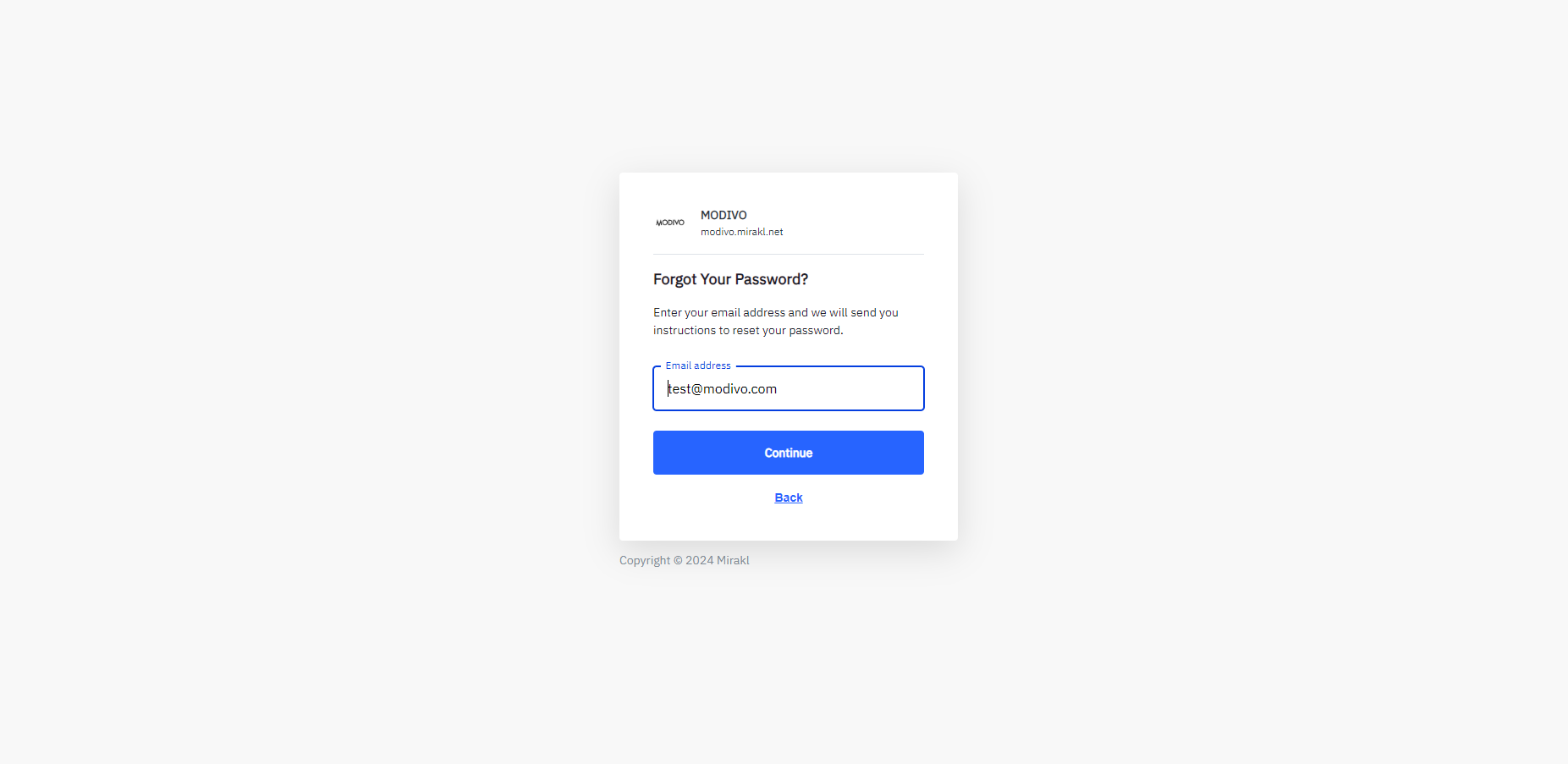
You will receive an email with a link to reset your password. Follow the instructions to set a new password and log in to the panel using the new password.