
Bank account information for payouts
Bank account information for payouts
To enter your bank transfer details for the first time:
In the left menu, select
Settings-Shop.Next, select the
Bank Account Informationtab and fill in the required fields.To save the details, click the
Savebutton at the bottom of the page.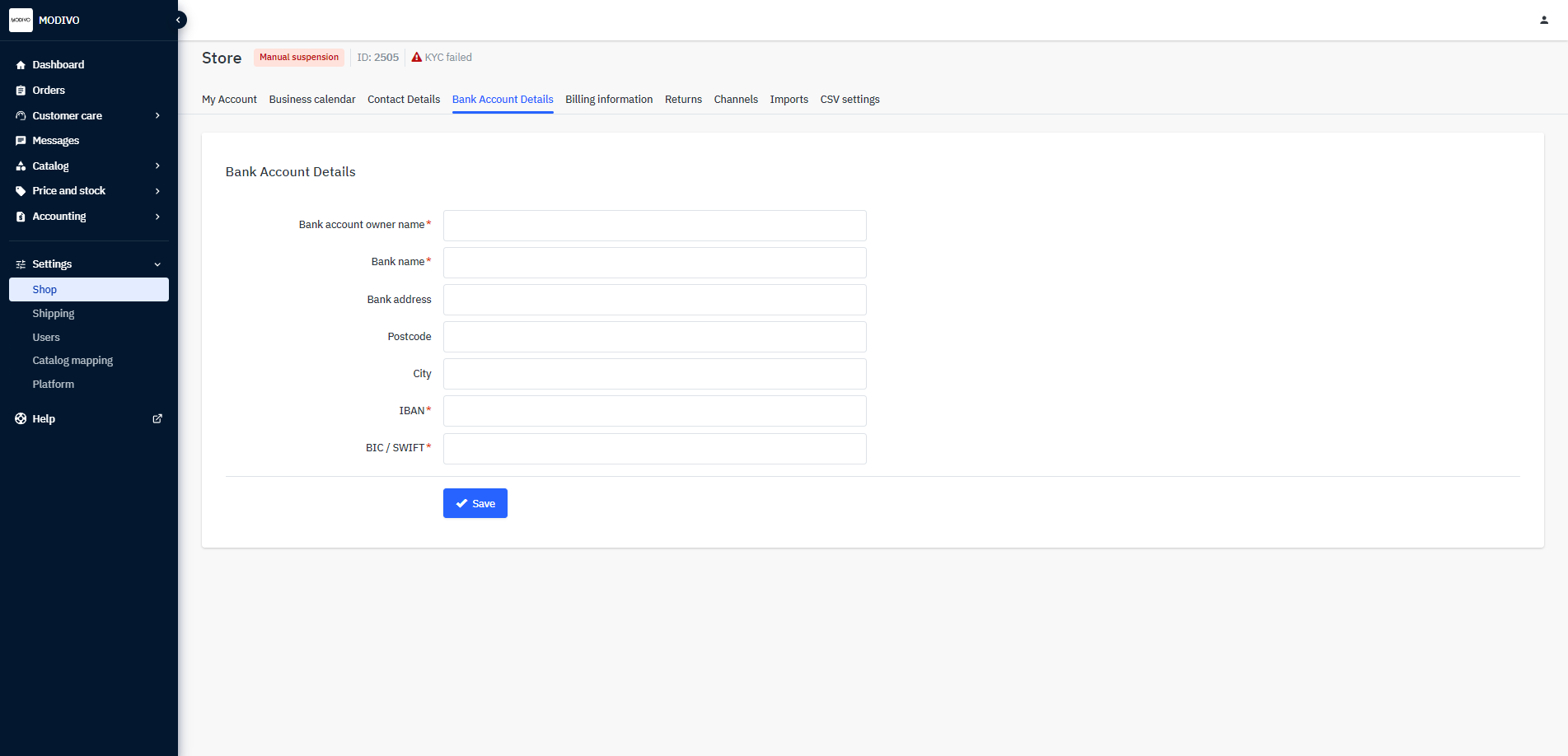
Remember that the details can only be entered once and must match those provided by you during the KYC verification process.
If you wish to change the account where your sales proceeds are transferred, contact us at [email protected] to go through the KYC verification process again.
Important
Do not change the account number yourself. It will block the payout of your funds! If you want to change the account number, write to us at: [email protected]
Can I change previously entered bank account information?
Changing the bank account number is possible. However, with each change, you must go through the verification process with the payment operator PayU again. Each change of the bank account number automatically blocks the payout of funds.
To change the payout details, update the information in the PayU system following these steps:
Contact the MODIVO team at [email protected]. We will send you a link to the verification form in PayU via email.
When you receive the link, click on it. Then, in the verification form:
- Fill in the required fields and provide the new bank account details.
- Submit the completed form by clicking the
Submit formbutton. - You will receive the account number to make a verification transfer to your email.
- Make a transfer of 1 PLN from the new account (the funds will be refunded - the transfer is for bank account verification only).
- Update the account details in the Mirakl system in the
Paymenttab.