
Contact information
Contact information
To enter your contact details for the first time:
In the right menu, select
Settings-Shop.Next, go to the
Contact Informationtab and fill in the required fields.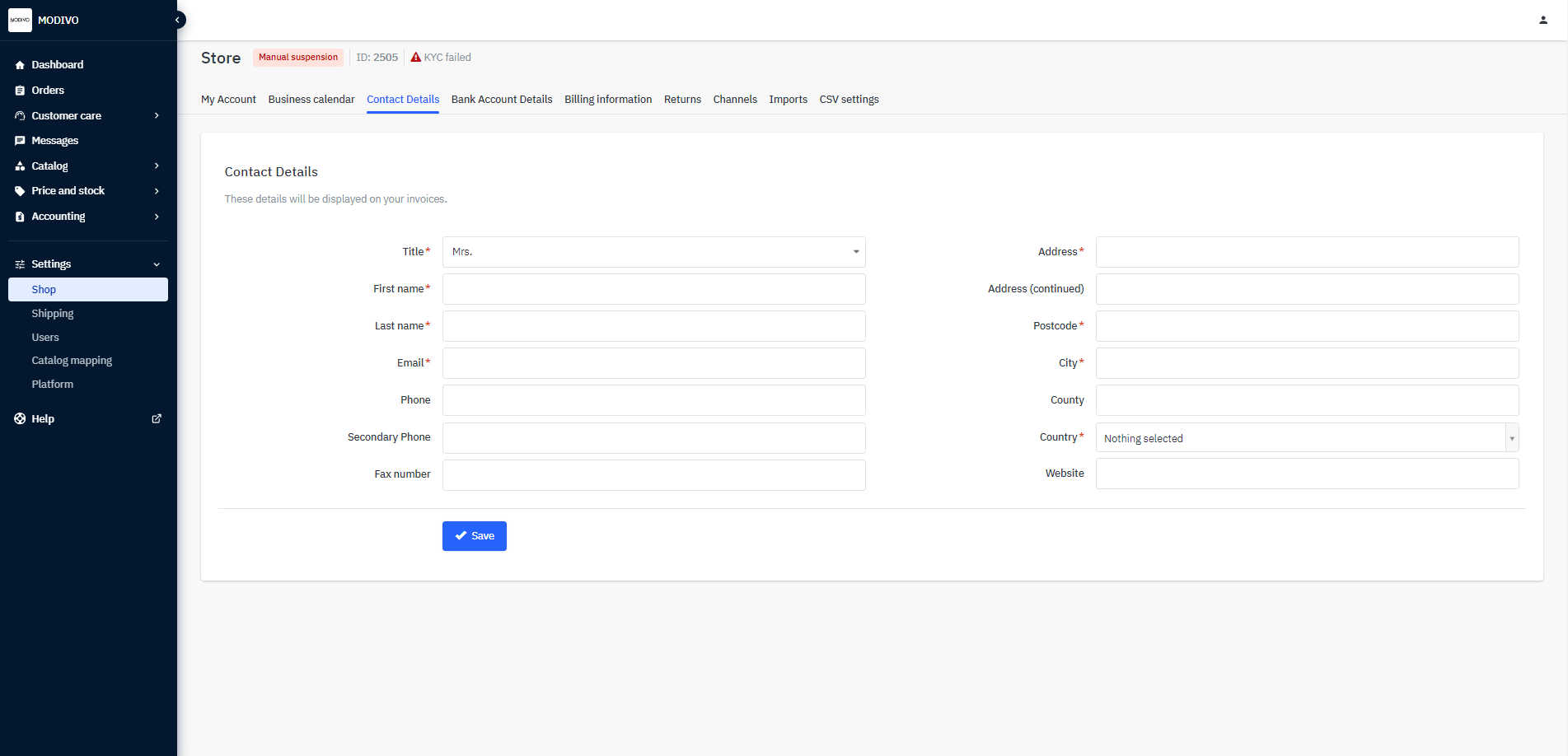
Remember that the information you enter in this tab will be used to generate invoices, so:
- Fill in all the required fields.
- Provide the legal name of your company.
- Provide the address where your company is registered.
If you want to change any details that are used to generate current invoices, contact us at [email protected].
Important
Do not change contact information yourself. It will block the payout of your funds!