
Adding a user
Adding a user
To add a new user to your store account:
Log in to the Mirakl platform.
From the left menu, select
Settings-Users.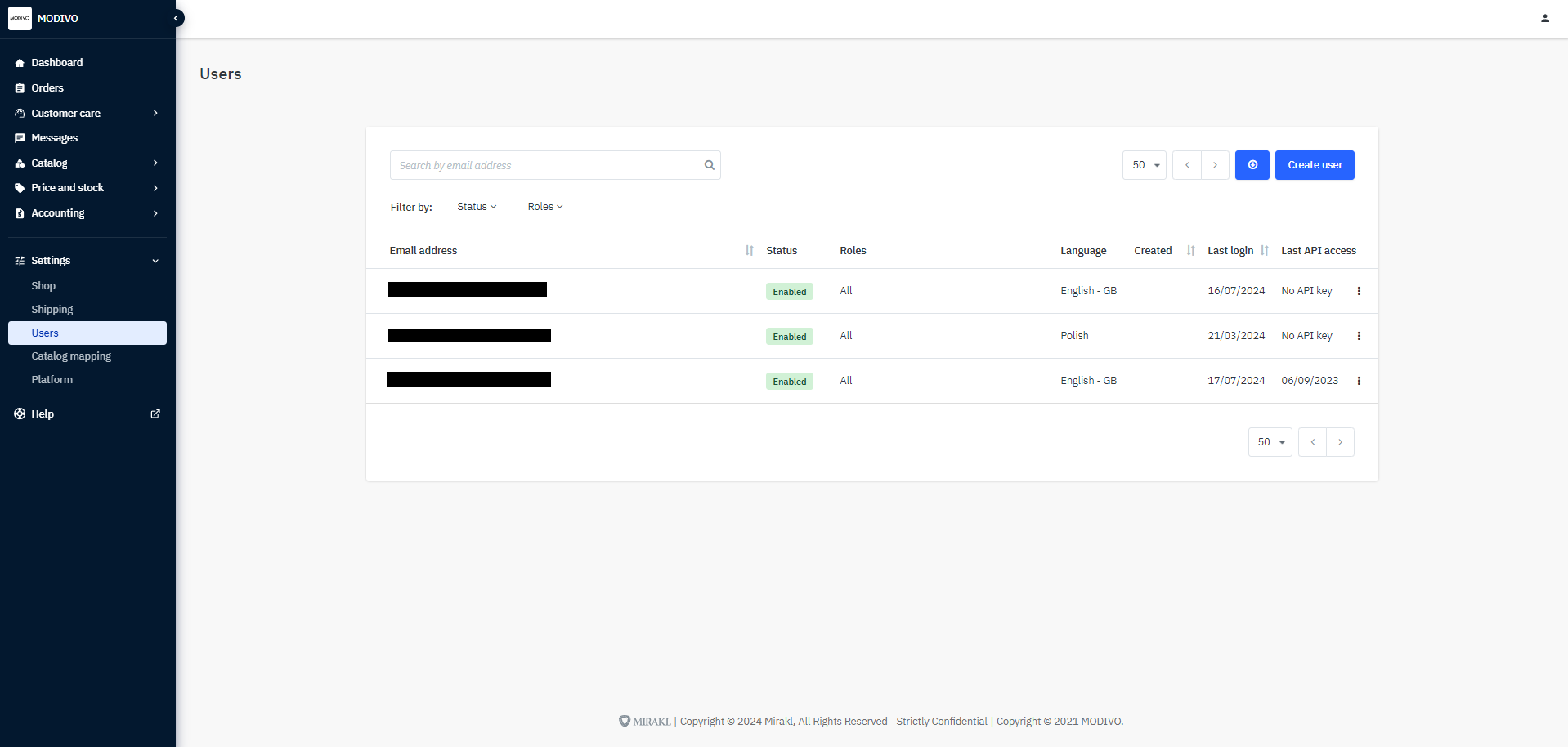
Next, in the upper right corner, click the
Create Userbutton and fill in their details:- In the
Email Addressfield, enter the user's email address. - From the
Languagedropdown list, select the language the user will use to operate the platform. - On the
Roleslist, check the permissions you want to grant the user.
- In the
To save the user, click the
Savebutton.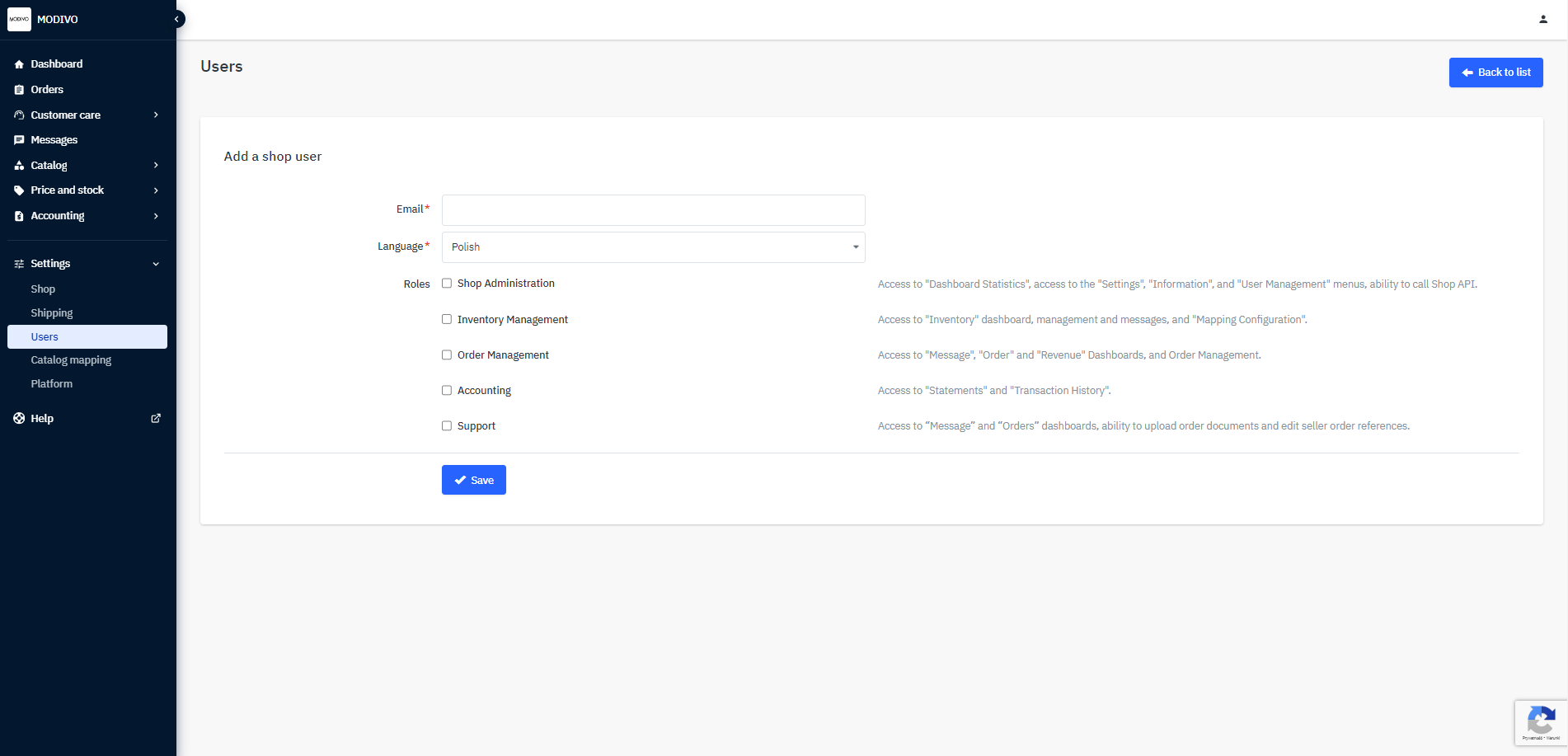
Once you save the user, the system will automatically send an invitation to the provided email address.
For the user to use the Mirakl panel, they must first create an account and log in to the system.
See: Login and Password