
Store name and description
Store name and description
At the moment, we do not offer a dedicated store page where descriptions can be placed.
To change the store name:
Log in to the Mirakl panel.
From the left menu, select
Settings-Shop.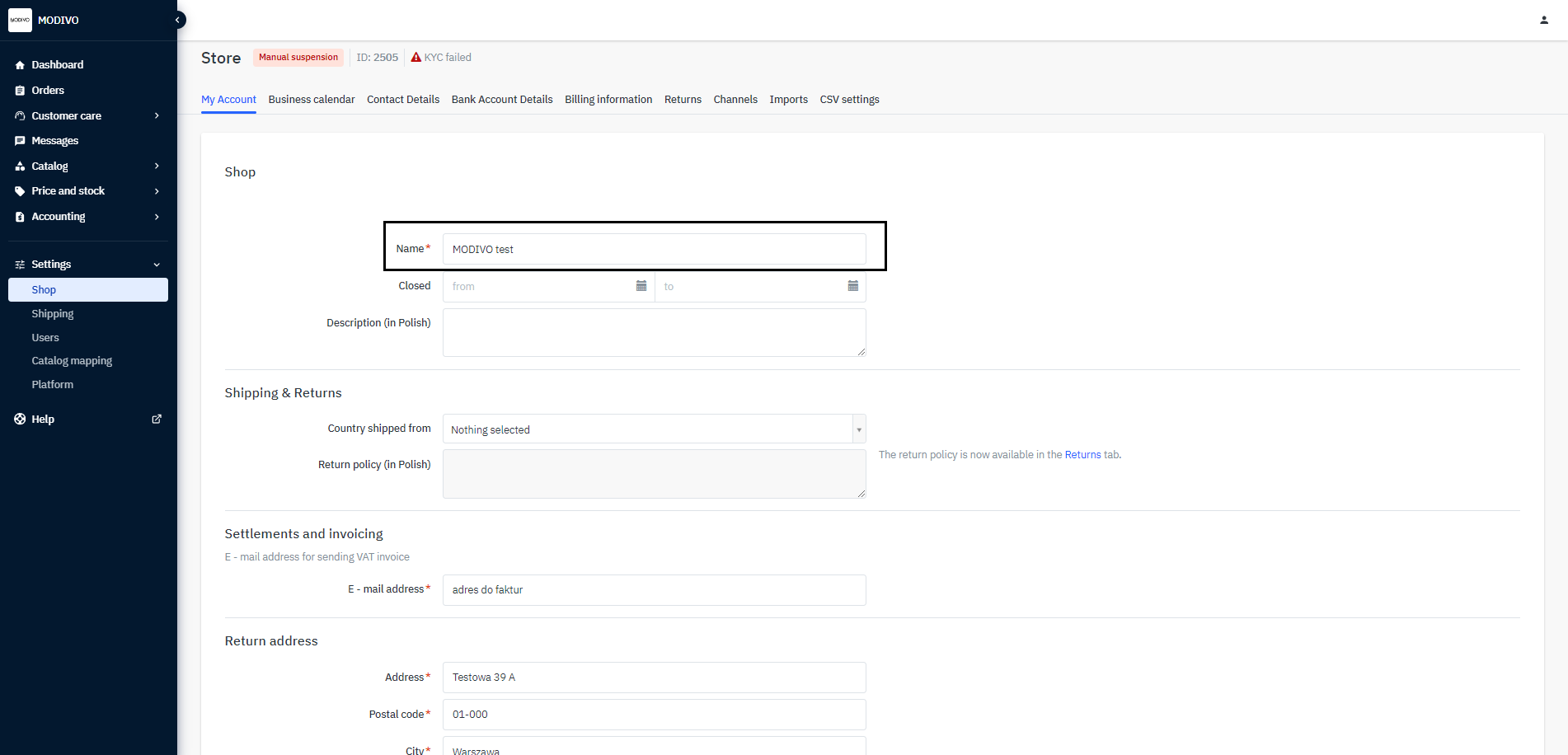
Next, in the
Shopfield, change the displayed name.To save the change, click the
Savebutton at the bottom of the page. The new store name will be visible on the site in about 24 hours.