
How to set a vacation?
How to set a vacation?
If you plan to be absent and temporarily unable to fulfill orders, you can disable the visibility of your store's offers on the MODIVO site for that period.
Important!
If you set a vacation, your store's offers will be disabled during its duration and will not be visible to buyers on the MODIVO site. This means that during this time, buyers will not be able to place new orders for your products. However, remember that you are still obligated to respond to inquiries about orders and to process shipping and returns for orders placed before your vacation.
To set a vacation:
Log in to the Mirakl panel
Go to the
Settings-Storetab.In the
Shopsection, set the date range for theClosedfields during which your store's offers should be disabled.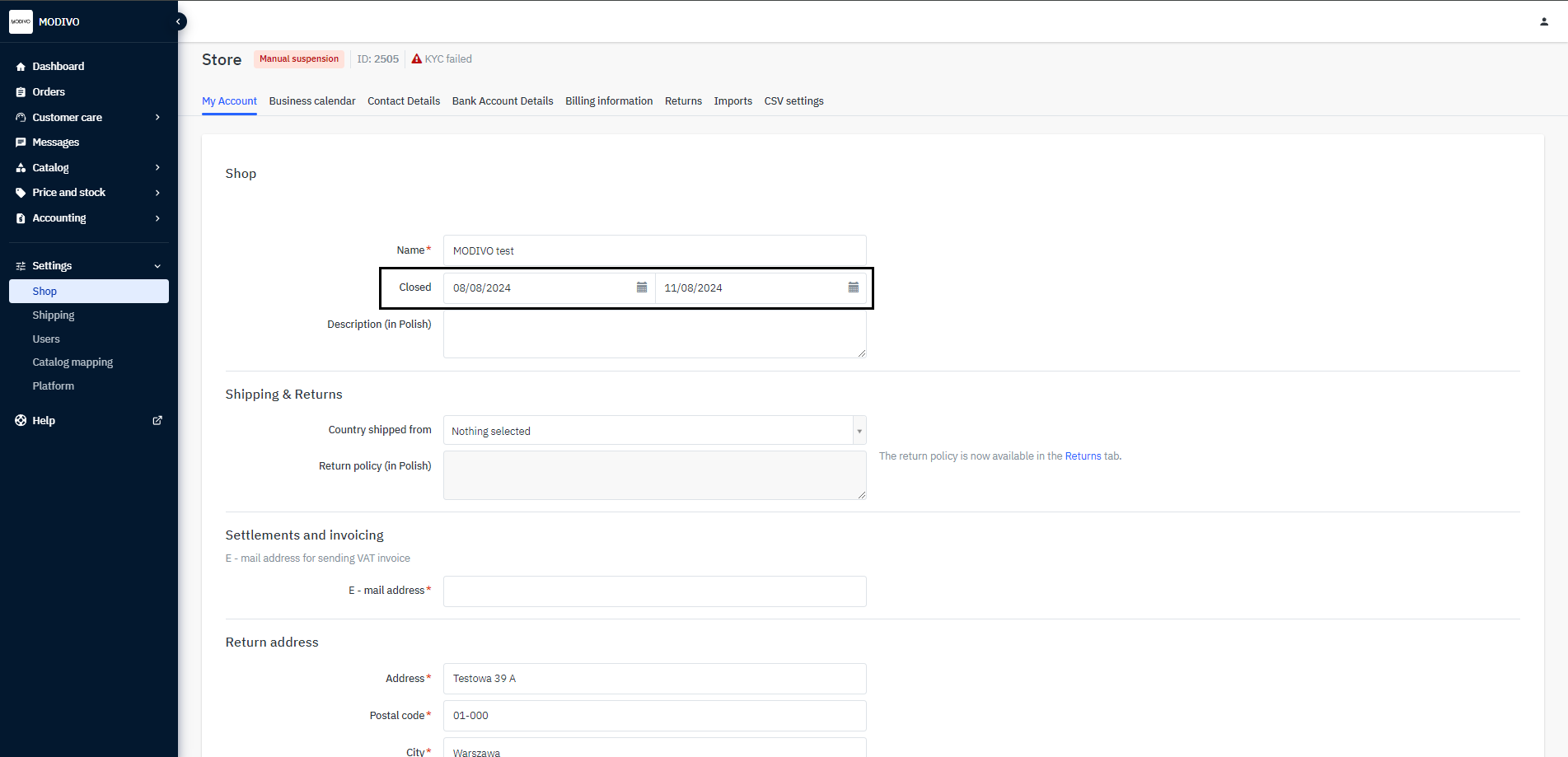
At the bottom of the page, click the
Savebutton to save the settings change.