
How to change the email address for receiving invoices?
How to change the email address for receiving invoices?
To set/change the email address for receiving invoices in the Account Panel, select
Settings-Shopfrom the left menu.Then, in the
Billing and Invoicessection, enter the email address where you want to receive invoices.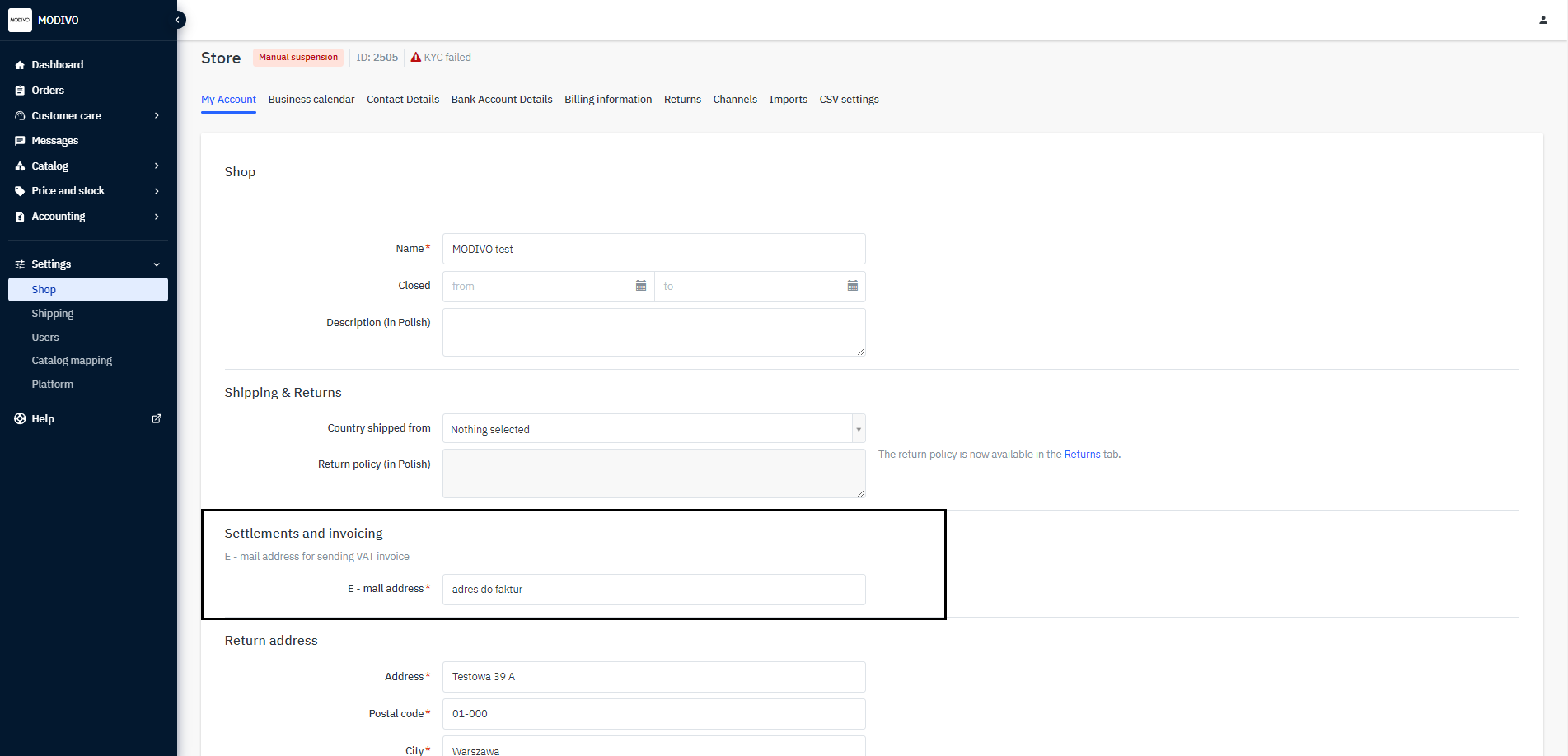
Save the changes by clicking the
Savebutton at the bottom of the section.