
How to add products?
How to add products?
To start manually adding products, log in to your seller profile in the Mirakl panel and follow these steps:
Go to the
Price and StockandOfferstab.In the upper right corner, click the
+ Add Offerbutton.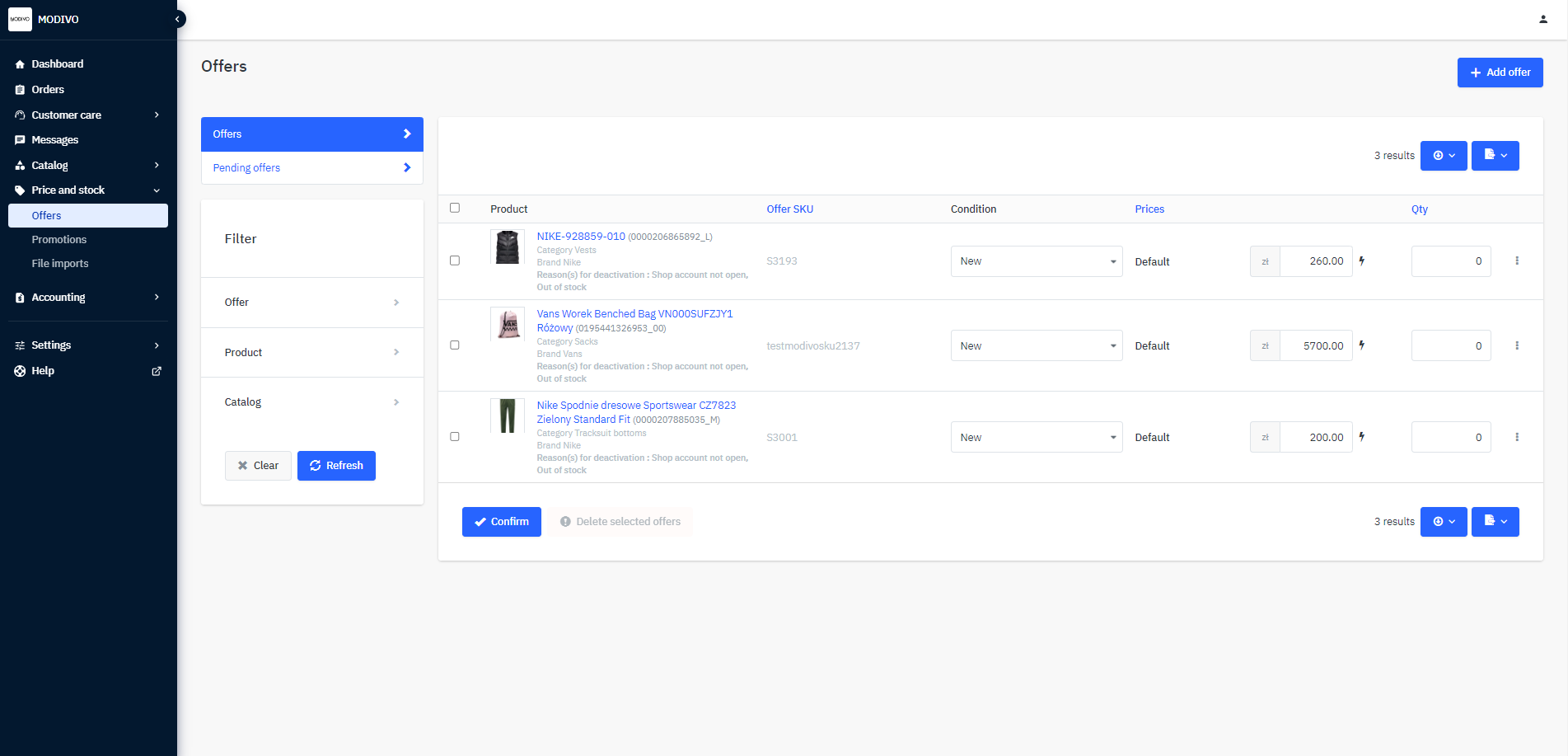
On the right side, in the
Create Product Listsection, click the+ Create Productbutton.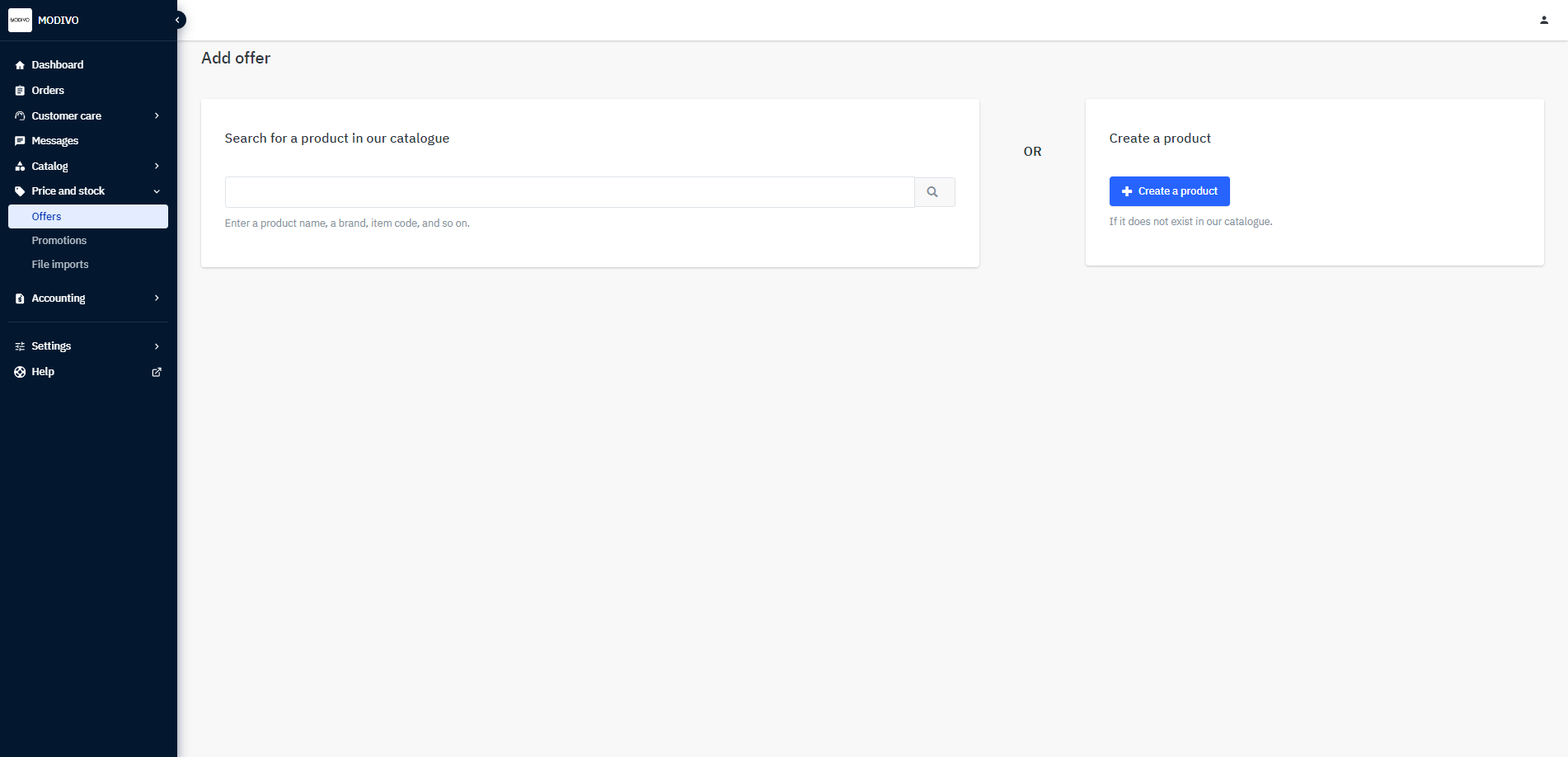
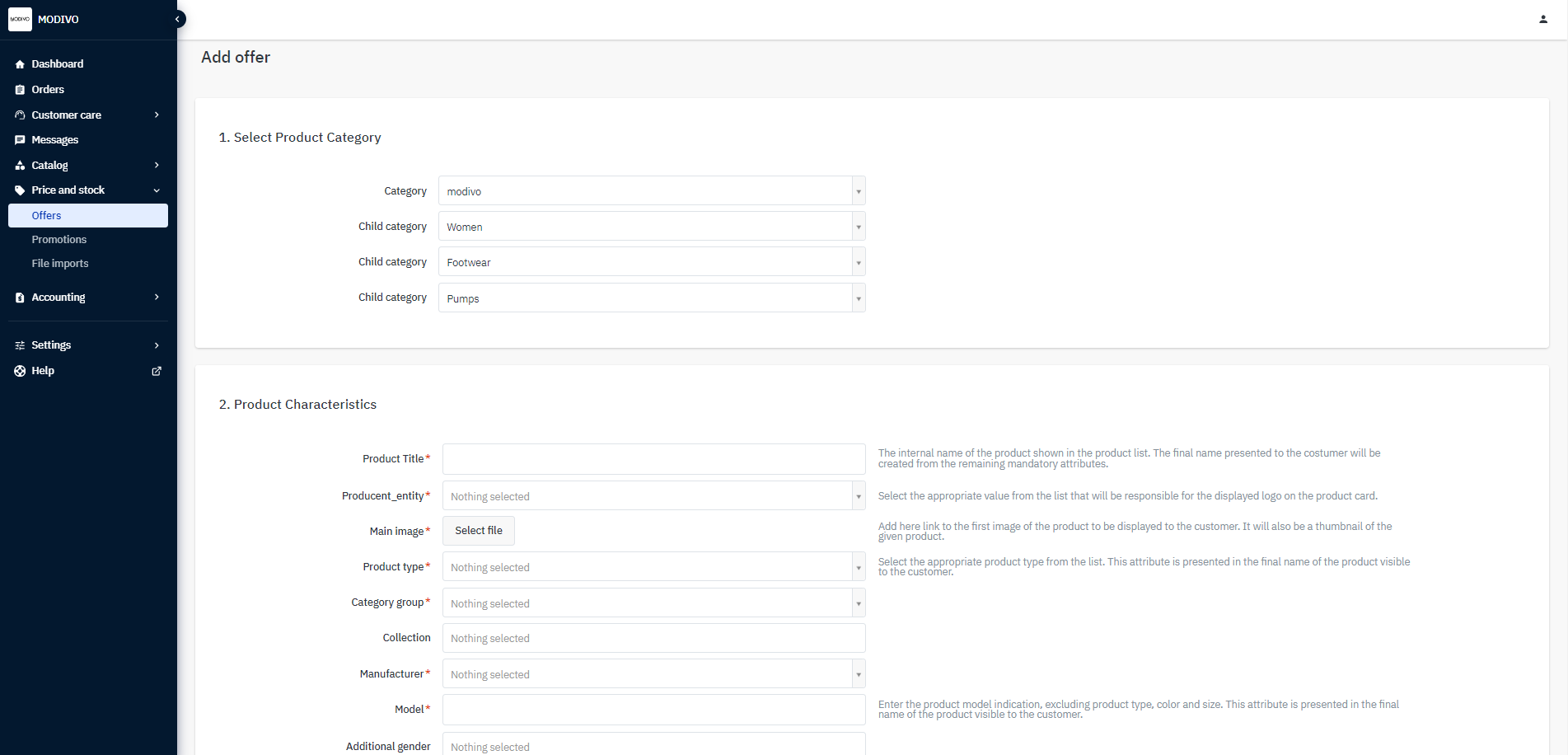
The system will take you to a new window where you can add the product. First, select the lowest category for the product you want to add. Then proceed to the product characteristics and fill in the parameters.
Note!
Parameters marked with an asterisk are mandatory, and you will not be able to submit the product for review without them.
Next to the parameters, there is a brief description of the values to enter. See more details about parameters.
If your product has size variants, go to point 3 in the product addition form named
Variant Configuration. Click the+ Add Variantbutton and fill in the fields.Remember!
Once the product is approved for publication, you will not be able to add additional size variants.
Note!
Parameters such as
Product SKU,EAN, andSize/Capacitycannot be changed and must be unique.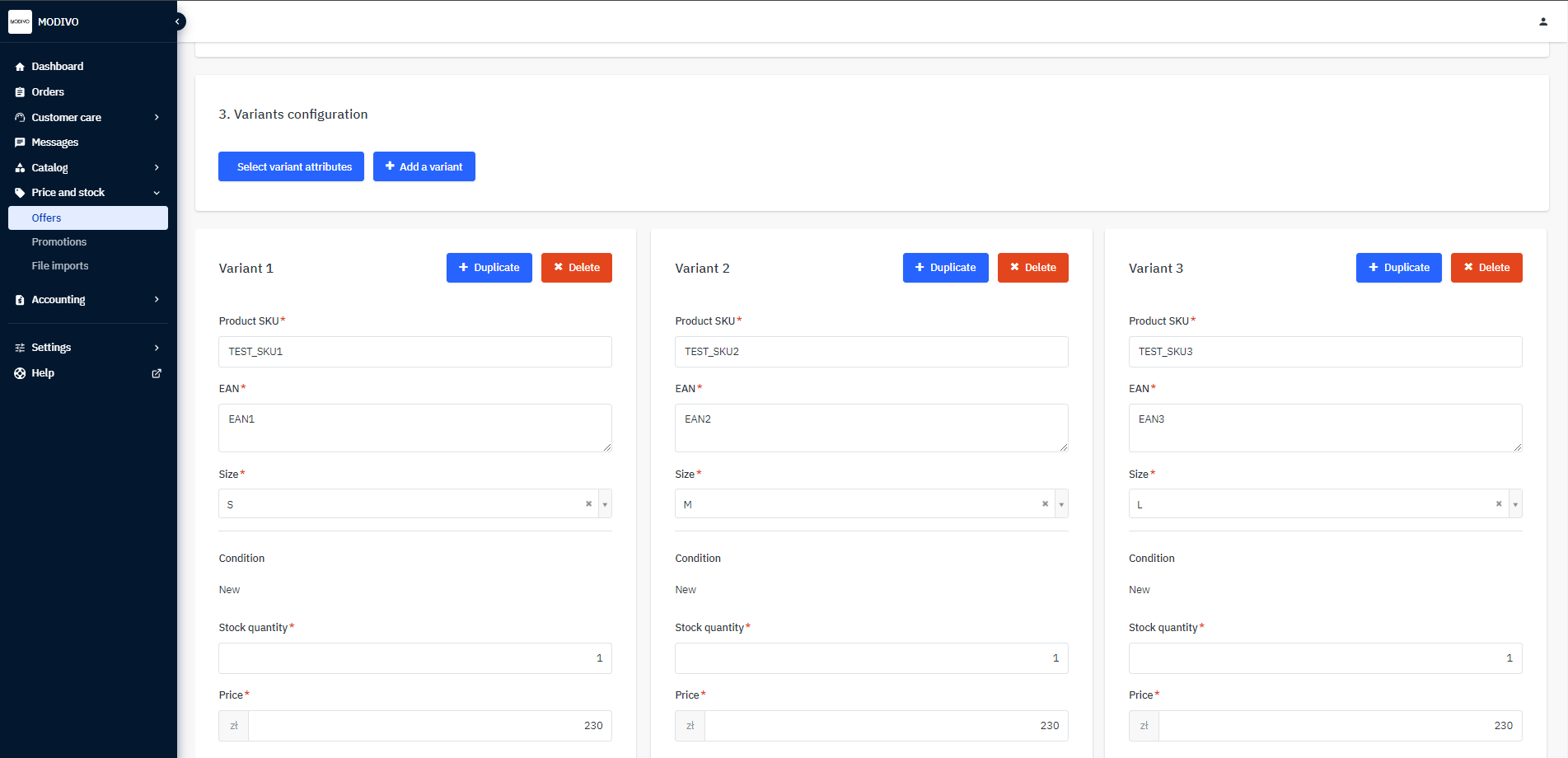
When adding variants, remember not to change the variant parameter in ‘Select Variant Attributes’. Our system automatically links products by size. See how to combine products by color.
Note!
If you select a different variant parameter, errors will occur, and the product will not be publishable.
Once you have filled in the product parameters, click the
Submit for Approvalbutton at the bottom of the page to submit the completed form.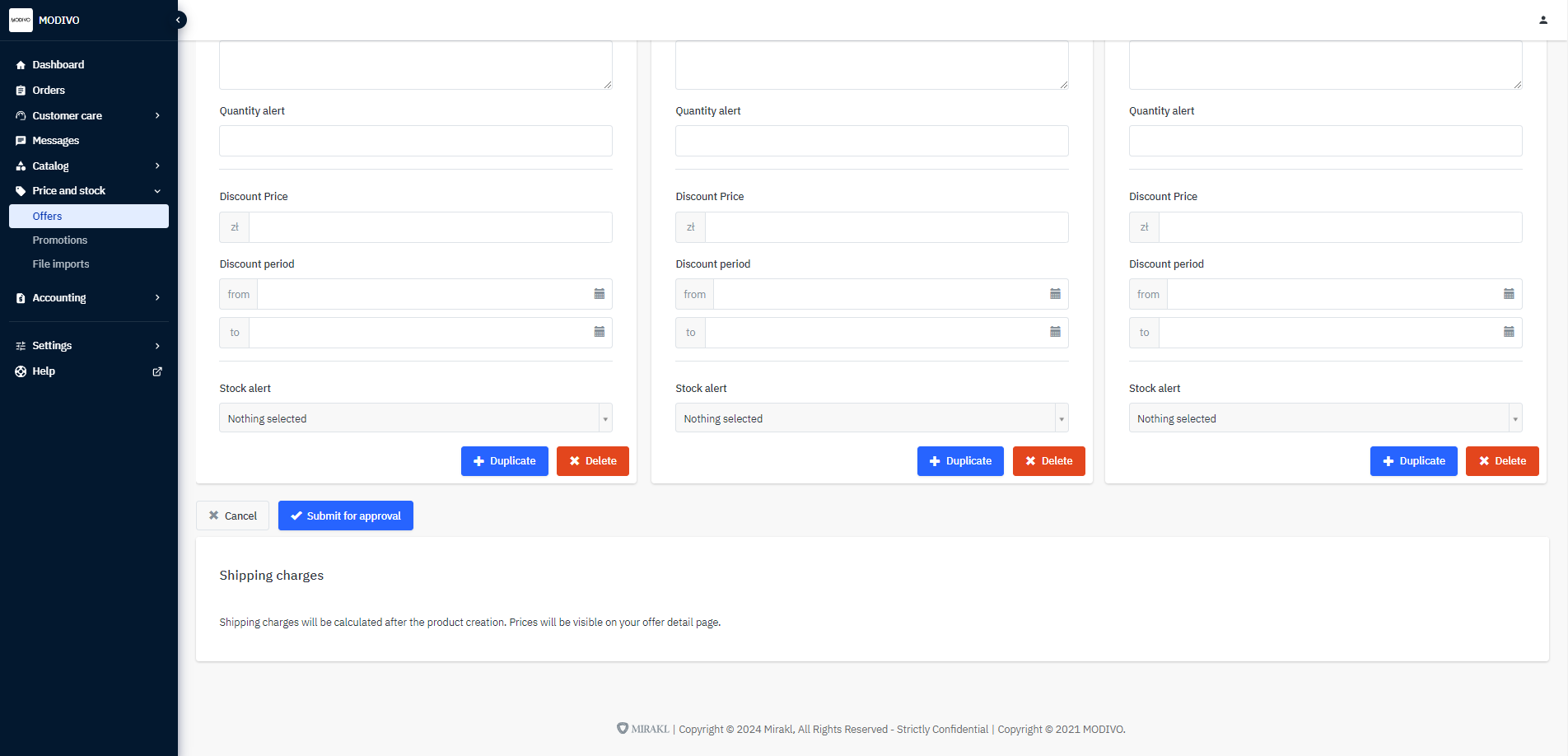
If the data in the listing form is filled out correctly, all products should appear in the Catalog - Catalog Manager tab, and offers for them (stock and price) in the Price and Stock – Offers tab. In the Catalog, you can also check the publication status of your products. Remember, offer publication operates automatically and may take up to 24 hours.