How to check required parameters?
How to check required parameters?
Different product categories have different required parameters. To check the ones you are interested in, go through the product adding process in your integration method or use the following tips:
Log in to the Mirakl system and in the left menu, select Panel (make sure to finish or skip the tutorial).
In the upper right corner, click the blue + Add Offer button.
In the newly opened window, click the + Create Product button.
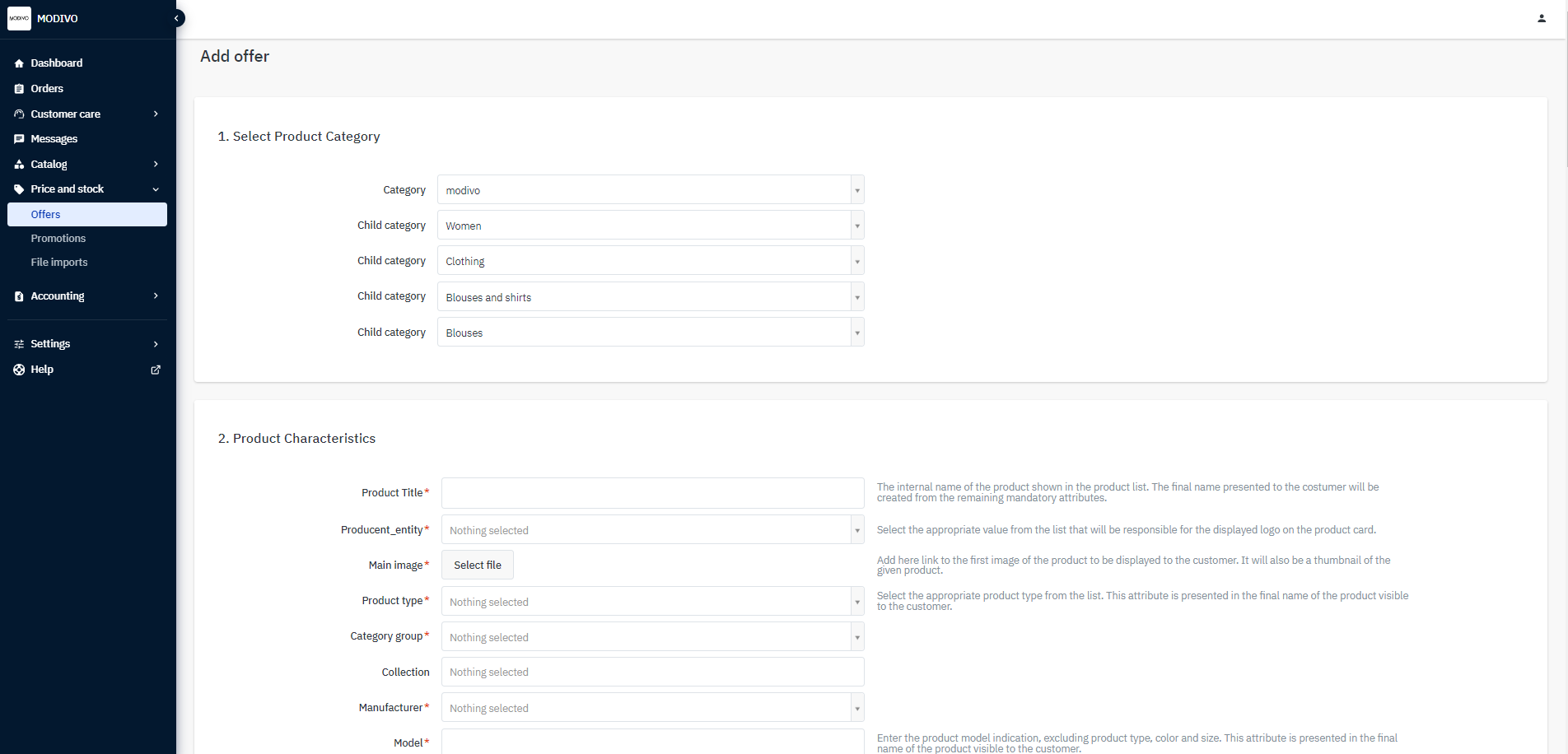
In the first step, select the product category from the Category list and choose the category and all subcategories for the product you are interested in.
In the Product Characteristics section, all required parameters for this product will be displayed.