
How to download an XML template?
How to download an XML template?
Product template
To download the product template, go to the
Price and Stock–Product Importstab. Then, on the right side in theFile Templatessection, selectCSV/XML Template.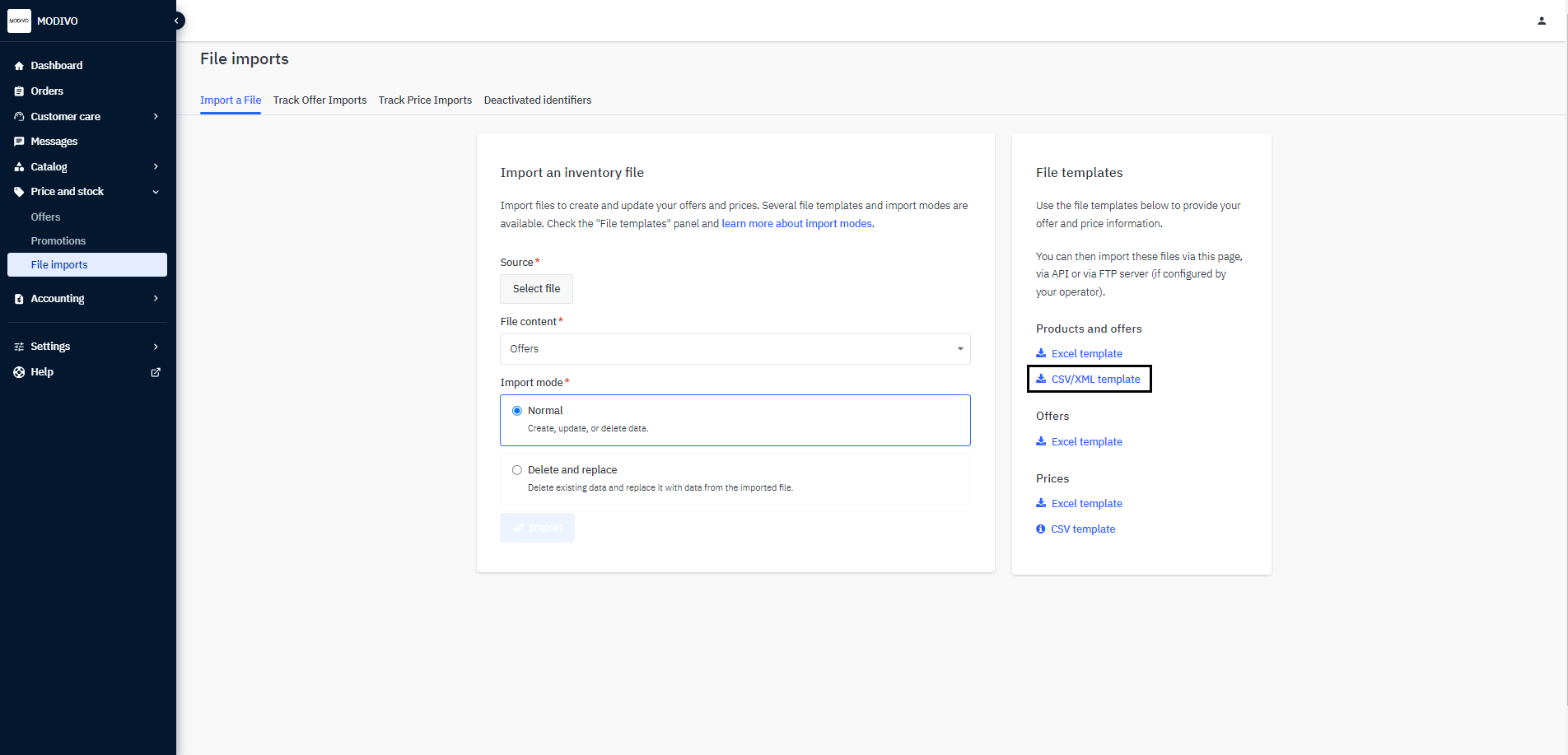
In the selection window, select the
XMLoption and choose the lowest category that interests you from the list.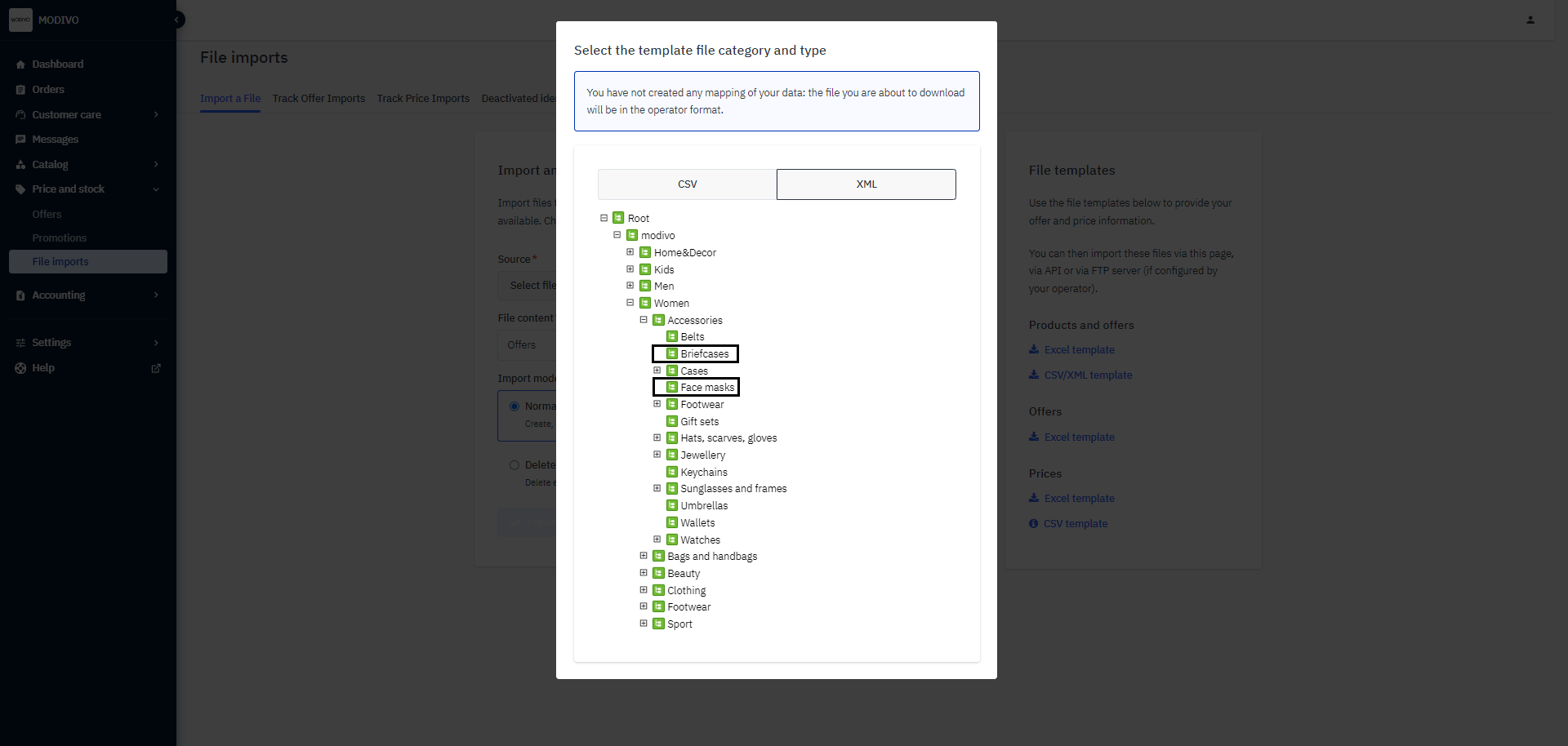
Note!
If you have previously tried to import a file, you will have your categories available for download here, not those from MODIVO. To remove the mapping of your categories, contact our support via email at [email protected]
When you select the lowest category, a save file dialog will automatically appear.
Remember!
Each category has different required parameters. Therefore, you can only download single categories into a file. In your final import file, you can have all product categories.
Offer template
Download the offer file structure or copy it directly below:
<import>
    <offers>
        <offer>
            <sku>OFFER_SKU_1</sku> <!-- Offer SKU -->
            <product-id>PRODUCT_SKU_1</product-id> <!-- Product SKU -->
            <product-id-type>SHOP_SKU</product-id-type> <!-- Identifier type by which the offer will be recognized, EAN or SHOP_SKU -->
            <price>10</price> <!-- Product price -->
            <quantity>1</quantity> <!-- Quantity of the product -->
            <min-quantity-alert>20</min-quantity-alert> <!-- Minimum quantity alert (optional) -->
            <state>11</state> <!-- Indicating that the product is new (code 11) -->
            <available-start-date>2012-12-25</available-start-date> <!-- Offer start date (optional) -->
            <available-end-date>2013-05-17</available-end-date> <!-- Offer end date (optional) -->
            <discount-start-date>2014-02-12</discount-start-date> <!-- Discount price start date (optional) -->
            <discount-end-date>2014-05-01</discount-end-date> <!-- Discount price end date (optional) -->
            <discount-price>5</discount-price> <!-- Discount price (optional) -->
        </offer>
    </offers>
</import>
Additional downloadable files:
Product File Schema For the t-shirt category (remember to fill out the file only with the current parameters downloaded from point 1).