
How to download a product/offer template?
How to download a product/offer template?
To generate and download a template in the MODIVO structure:
Go to "Price and Stock - File Imports", then on the right side of the window choose the appropriate template in xlsx format.
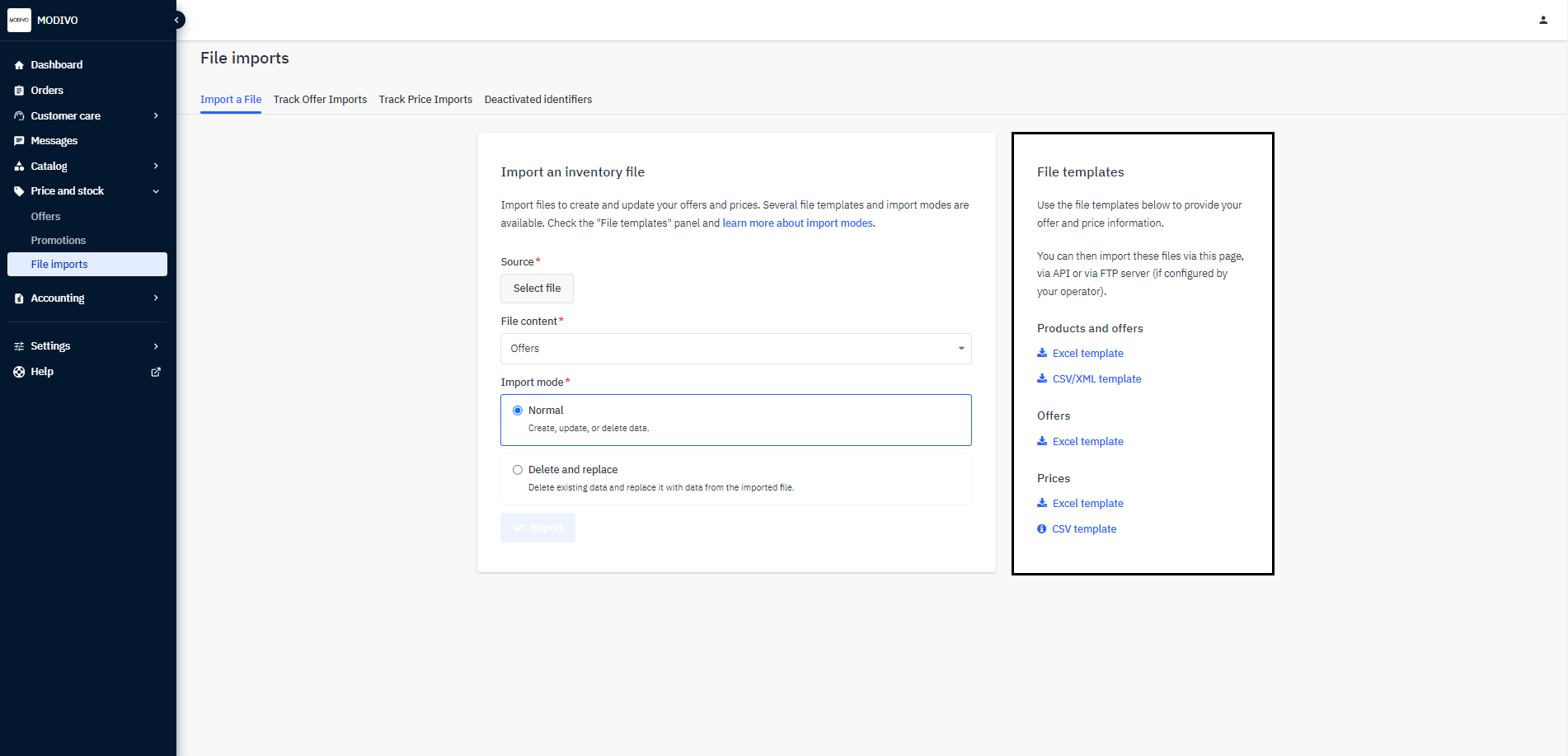
Product Template - download this template if you want to add a product that does not yet exist in the MODIVO database.
Offer Template - download this template if you want to add an offer (price and stock) to an existing product in the MODIVO database.
Product-offer Template - download this template if you want to add both a product that does not yet exist in the MODIVO database along with an offer (price and stock).
Price Template - download this template if you only want to edit regular prices or promotional prices for your offers.
Note!
You can choose a template that contains only products only after you proceed to the selection form.
The system will take you to a new window. Select the lowest product categories you are interested in, and the language of the template. At the bottom, click the "Generate Template" button to generate the file.
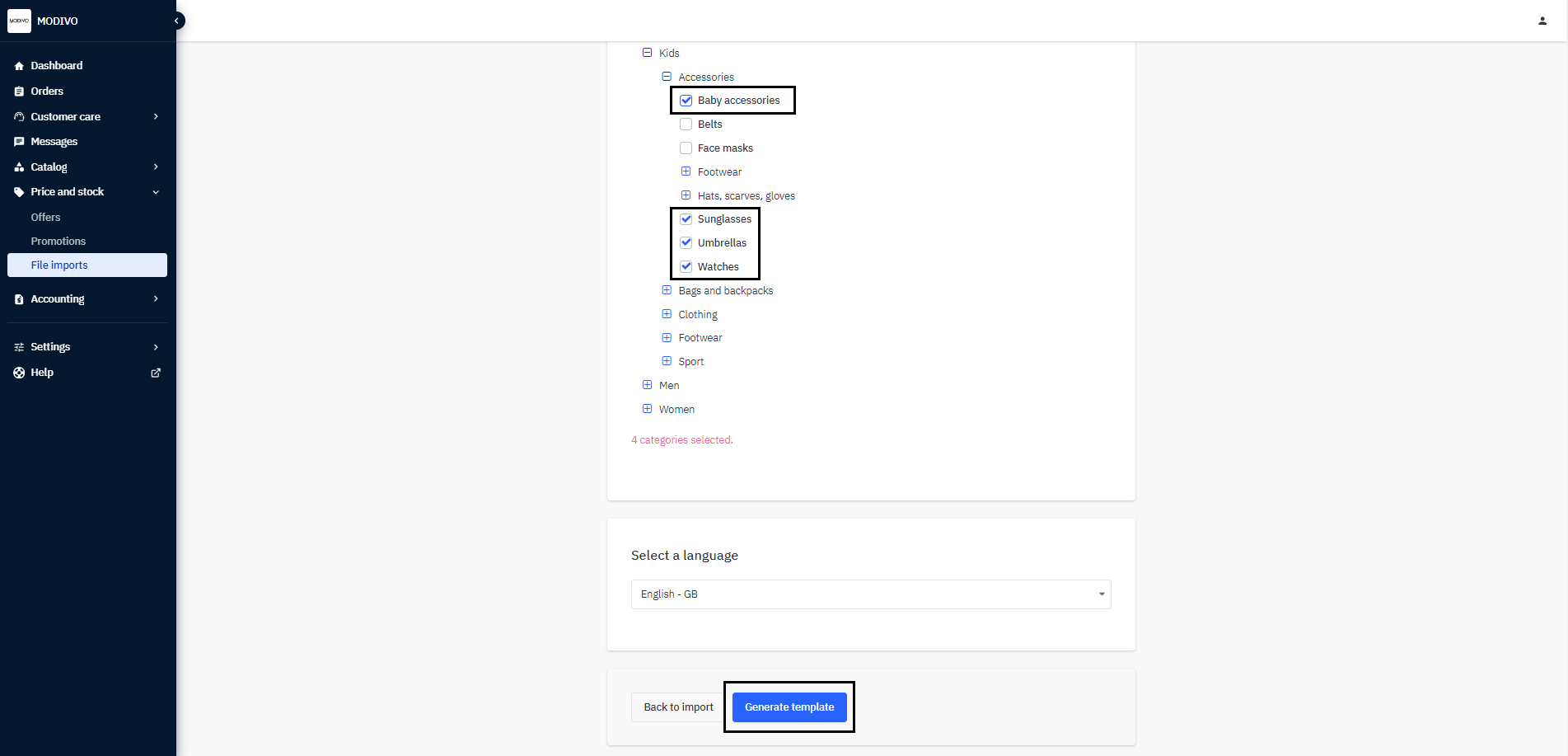
Download the generated file to your computer.